
Wedding table planner
Plan your reception tables and room layout
Before anyone gets a seat, the room needs to work. Lay out your tables, check your capacity and see the whole reception at a glance.
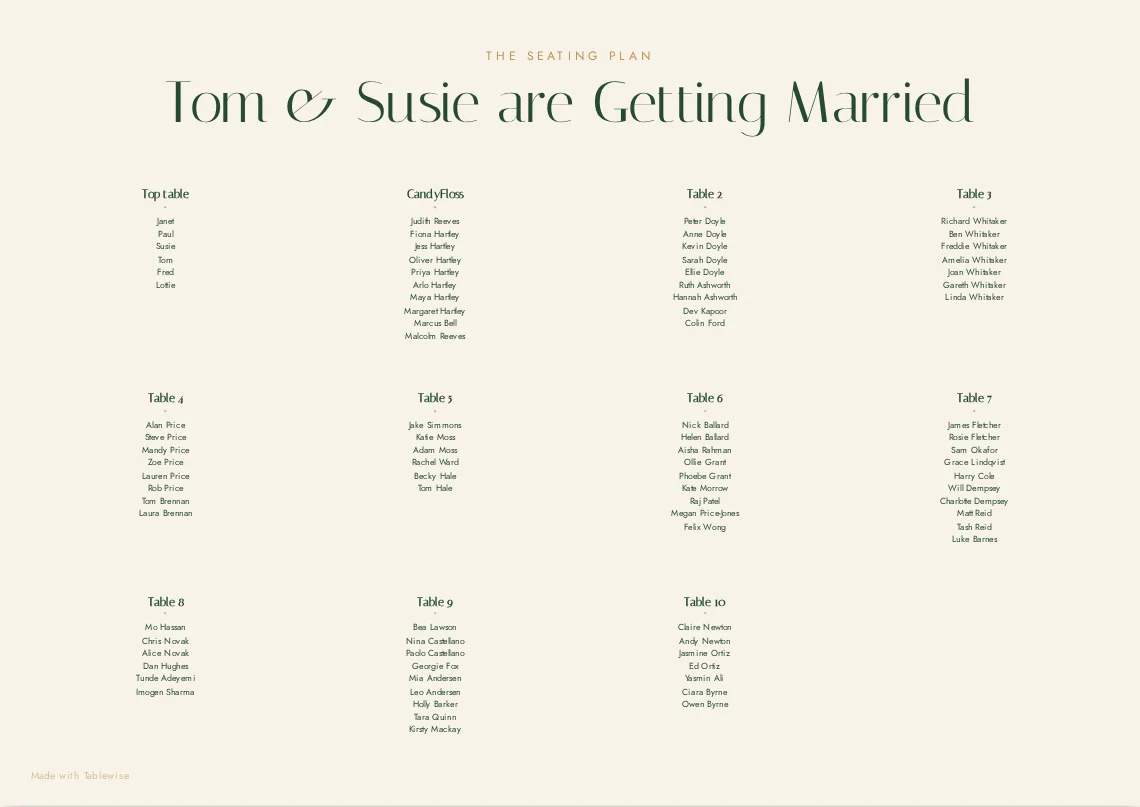
Round or long tables?
Round tables make conversation easy across the table and suit mixed groups. Long tables fit more people into a narrow room and feel communal. Many receptions mix both — for example a long top table with rounds for guests.
Ask your venue which tables and sizes they own; it's simplest to plan with what they can provide.
Work out table capacity
Your venue will tell you how many guests each table seats comfortably. Use that number for every table in your plan so your total seats match your guest count, with a little room to spare.
Place the fixed features first
- Dance floor — usually central, with tables around it.
- Stage or band area, and where speakers or a DJ will sit.
- Top table, often facing the room.
- Bar, cake table, exits and any pillars that block views.
Assign guests to tables
Once the room is set, add guests. In Tablewise you can drag a guest onto any seat, or ask the AI for a first draft that fills the tables in sensible groups.
Edit and rearrange freely
Plans change — RSVPs come in, the venue moves a table, someone brings a new partner. Move tables, change seat counts and swap guests at any time; save a version before big changes so you can always go back.
Free to build, save and edit.
Pay once per wedding only when you want to share, export or print.